To link other chatrooms in to your chatroom , you’ve to follow these steps :
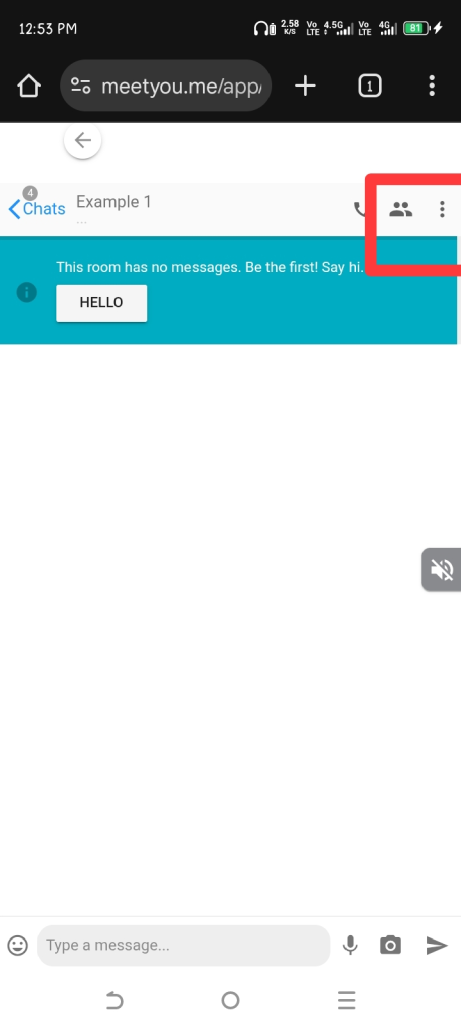
→ Open your chatroom and click on three dots given in top right corner.
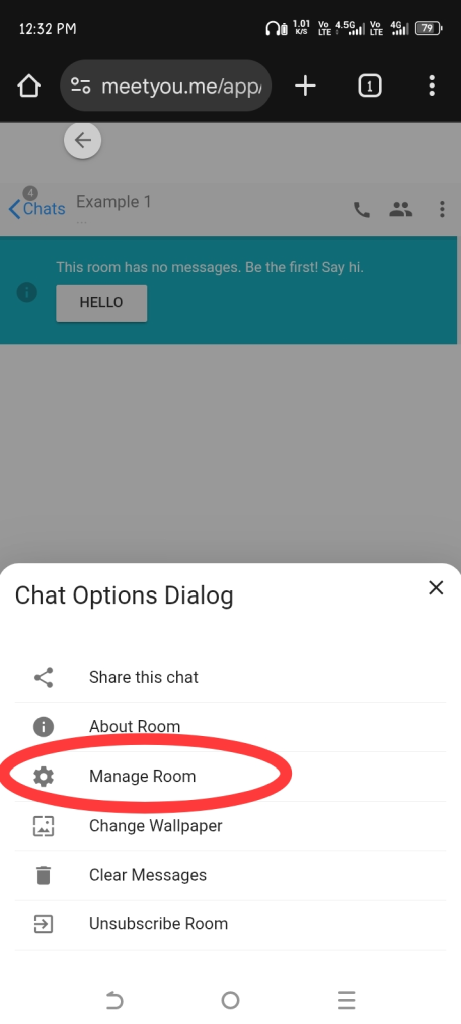
→Now click on Manage Room.
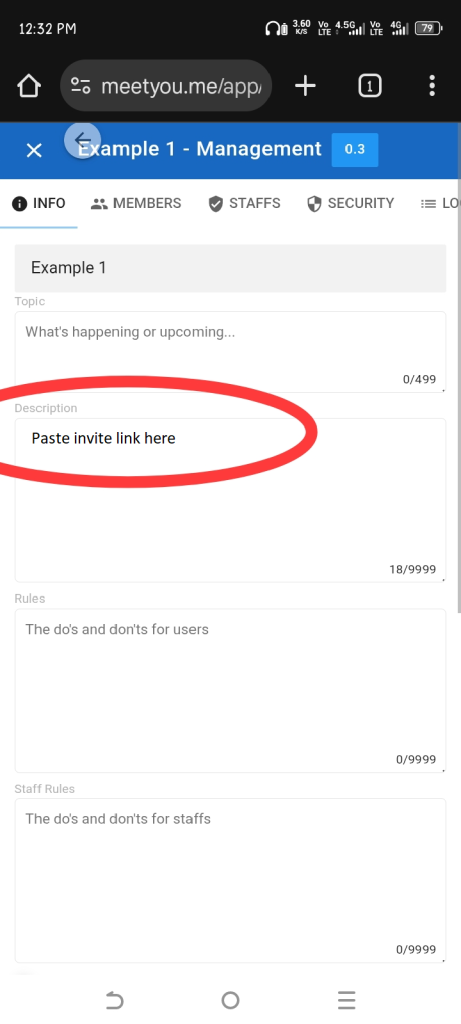
→ Now add the Chatroom link in Description whom you want to link in your chatroom.
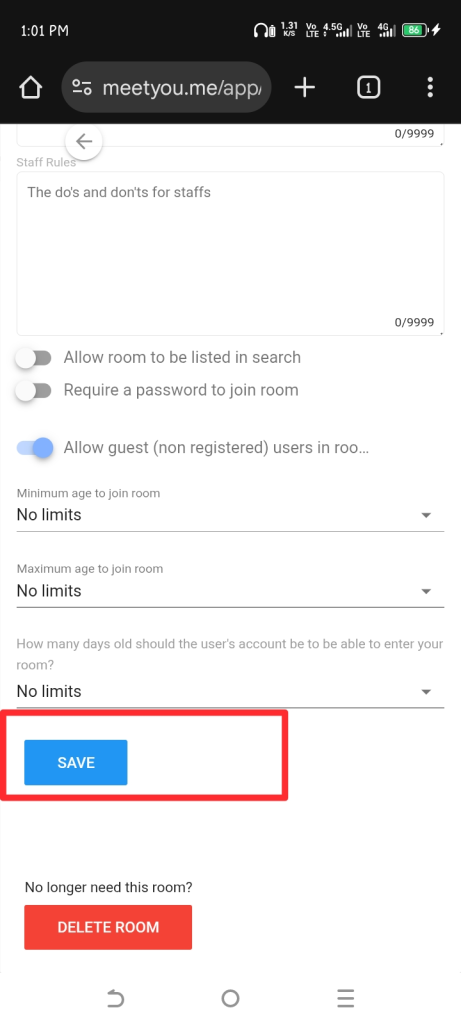
→ Scroll Down and click on Save to save the changes.
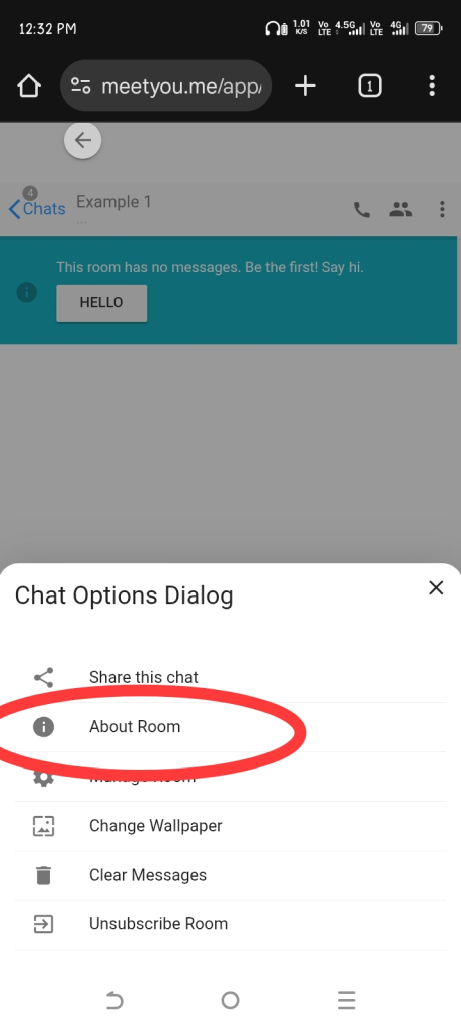
→Now again click on three dots and then click on About Room.
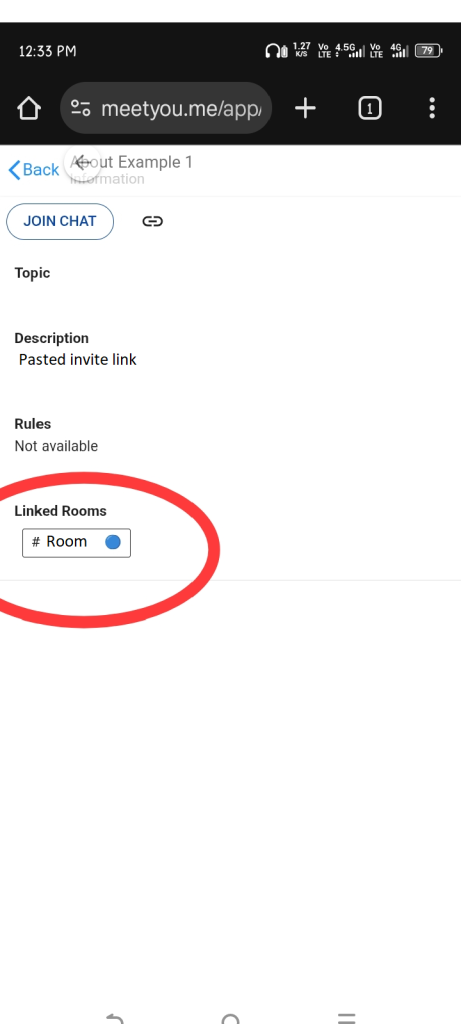
→Now you or any user can see the linked Rooms here.
Blog by user : K******_AU